/Assets/base/Close.svg)
 ]
]
/Assets/arrow-facing-left--black-01.svg)
/Assets/base/Navigation%20Icons/TAYA.svg)
/Assets/base/Navigation%20Icons/navigation%20arrow%20-%20facing%20right-01.svg)
/Assets/base/Navigation%20Icons/Sales.svg)
/Assets/base/Navigation%20Icons/Web%20design.svg)
/Assets/base/Navigation%20Icons/HubSpot.svg)
/Assets/Icon%20Library/AI%20Mastery.svg)
/Assets/Icon%20Library/Gear%20icon.svg)

/Assets/Icon%20Library/Learning%20Center%20Laptop.svg)
/Assets/Icon%20Library/Click.svg)
/Assets/Icon%20Library/Link.svg)
/Assets/navigation-global--close-symbol-black-01-1.svg)
/Assets/navigation-global--close-symbol-black-01.svg)

/Assets/Icon%20Library/x%20corp.svg)
/Assets/base/Learning%20Center%20Resource%20Category%20Icons/Facebook_Messenger_logo_black.svg)
/Assets/Icon%20Library/whatsapp%20logo.svg)
/Assets/Icon%20Library/Email.svg)

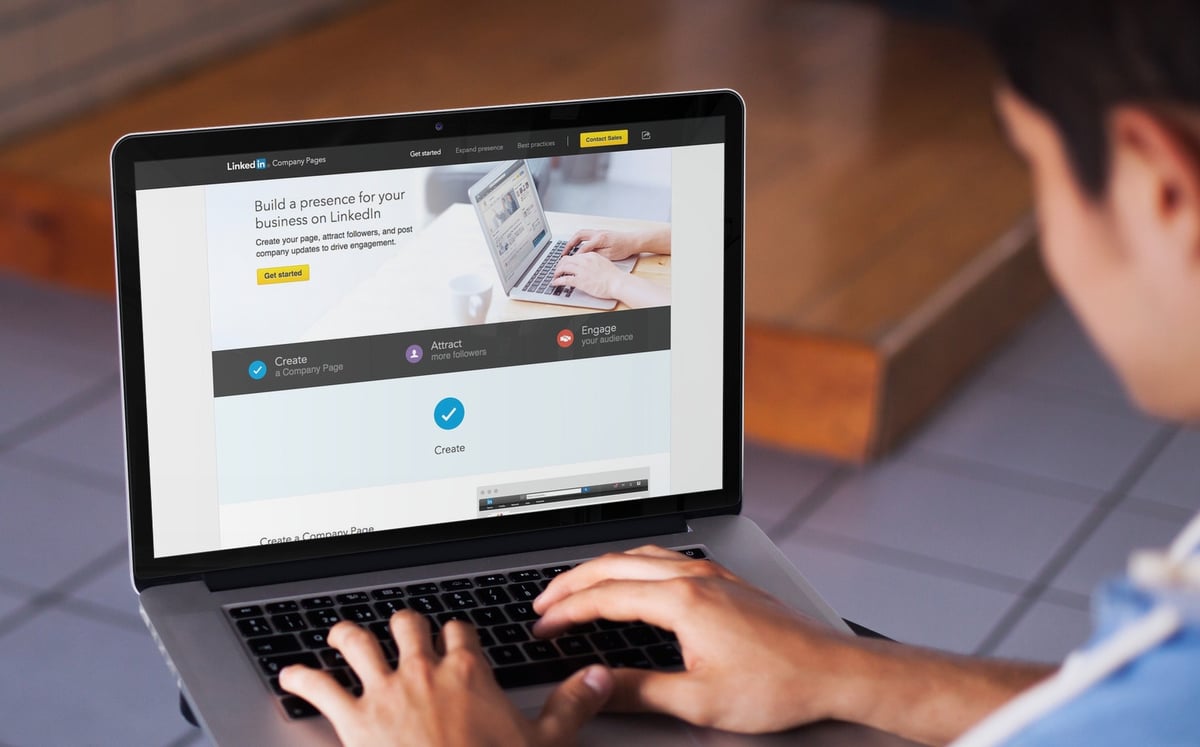
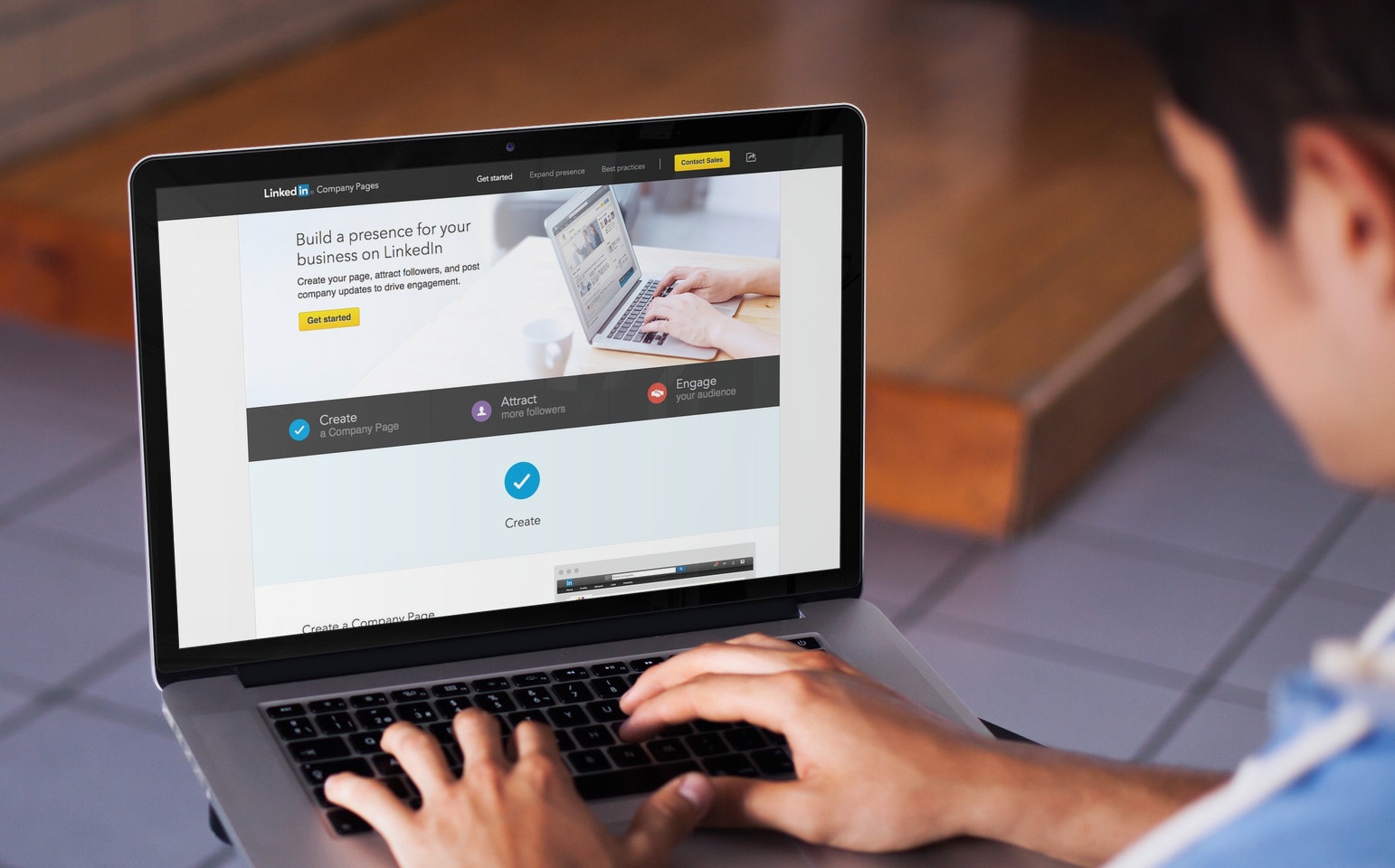 B2B social media Marketing? One word: LinkedIn.
The biggest professional social network in the world features some spectacular opportunities for establishing your online reputation.
More than 380 million professionals use LinkedIn for networking. People spend approximately 17 minutes per month exploring LinkedIn content and 13 percent of all members visit the social network on a daily basis.
When it comes to B2B Marketing, no other social network can deliver the results and effectiveness of LinkedIn. Considered a strictly professional social network, however, this one needs a rather unique Marketing approach.
Getting Started with LinkedIn
I’ve been a LinkedIn member since those early days – there was no LinkedIn Pulse and the number of people that used the social network was so small that I visited it two times per month without missing on anything. Today, LinkedIn has added new Marketing opportunities and tools that companies can use to build their online reputation.
Obviously, understanding the specifics and unique features of this social network will be the first prerequisite for making the most of LinkedIn B2B Marketing. If you’re eager to build a bigger number of connections and increase the popularity of your brand, you’ll find the following guide to be particularly useful.
What Should Be On Your LinkedIn Company Page?
On LinkedIn, the quality of your personal profile matters, but the quality of the company page is even more important.
Building a company page on LinkedIn may seem to be as simple as filling out all of the required fields, but needless to say, the process will require a bit more thought and creativity.
For a start, make sure that all of your corporate identity elements are presented on the page. Include your logo, slogan, a detailed description, and anything else that can be used to boost brand awareness. Add the right company specialties – these are keywords that people will use to find business in a particular field.
Other details that are very important include:
- the size of the company
- the corporate website
- the year founded
- the main industry
Some of these details may seem to be a bit irrelevant at first glance but together, they paint a complete picture. They show prospects how long you’ve been around, what you specialize in, how big your company is, and whether you have all of the competencies that a potential client may be interested in.
Bringing Your Page "to Life"
The next step of building the page is bringing the whole thing to life. You can make it happen by getting colleagues engaged in the promotional efforts. If everybody’s on board, you’ll find it a lot easier to increase the reach and address the right target audience.
Having your employees doing some of the promotion and sharing the page will be an ideal word of mouth strategy that will help grow the page. Once you acquire a bigger number of followers, your task will be limited to uploading new content and allowing the audience to do the promotion for you.
A final thing I’d like to recommend is adding a LinkedIn button to your corporate website. People that visit your pages may also like to stay connected with the company on LinkedIn. The opportunity is simple and highly effective when it comes to building a community.
The content above is an excerpt from our guide, A Guide to Getting Started with LinkedIn Marketing. In the full version, you'll learn what makes LinkedIn different, how to establish thought leadership and use LinkedIn Groups and LinkedIn Ads, as well as the importance of publishing on LinkedIn Pulse.
Get your free copy here or simply click the "keep reading" button below to keep learning.
Free Assessment:
/Assets/Icon%20Library/Arrows/Grey%20Arrow%20-%20Prev.svg)
/Assets/Icon%20Library/Arrows/Grey%20Arrow%20-%20Next.svg)